


MY ROLE
Product Designer
TEAM
1 Product Designer
2 Engineers (1 CTO)
DISCIPLINE
Product Design
Product Thinking
UX Research
TIMELINE
2024
Overview / Context
Built on a high-stakes constraint: authenticity.
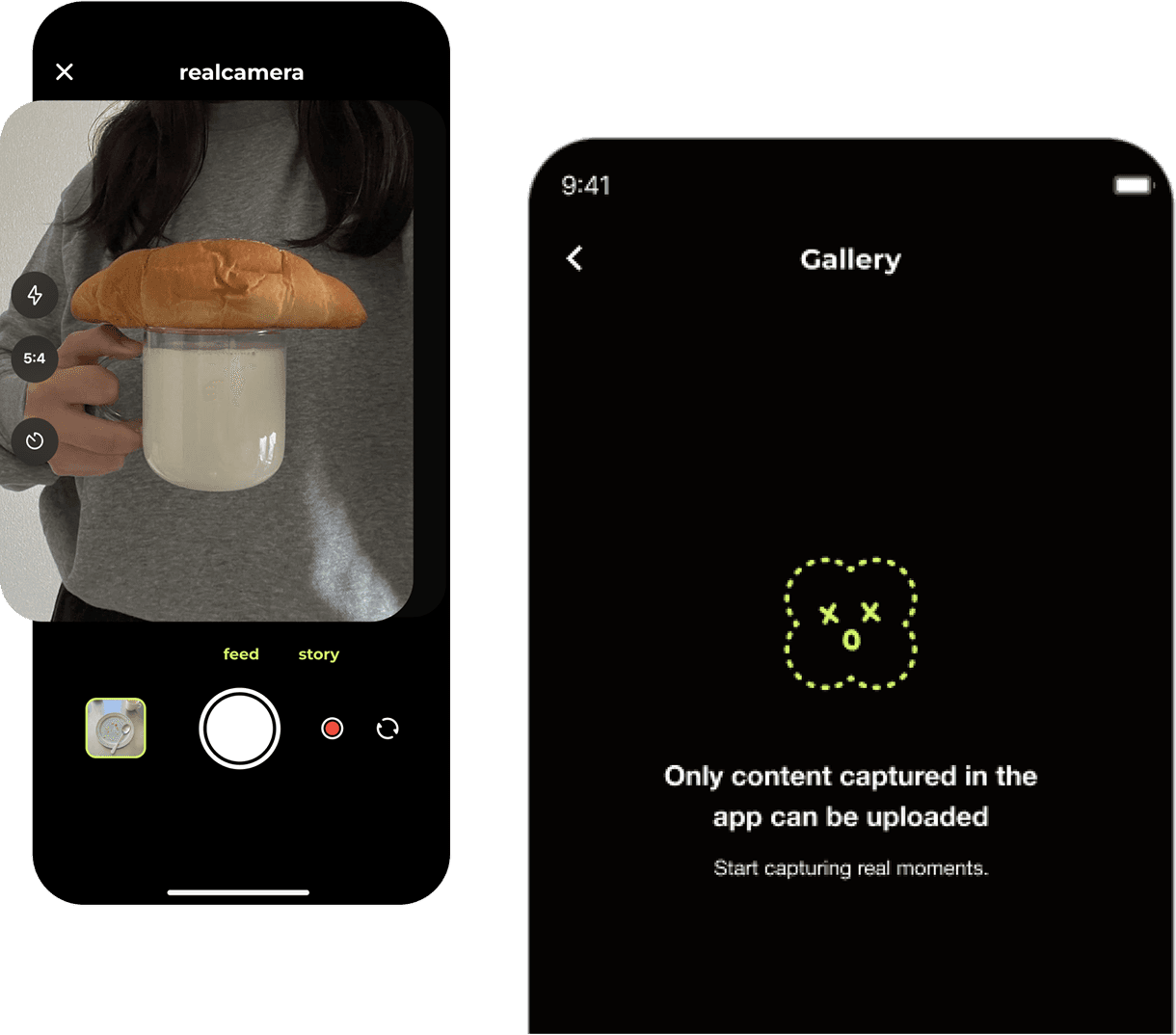
Users could only post photos taken in-app with no gallery uploads, no filters. That constraint defined the product's identity, but it also raised the emotional stakes of every post.
IMAGE
In-app camera and gallery constraint
Problem
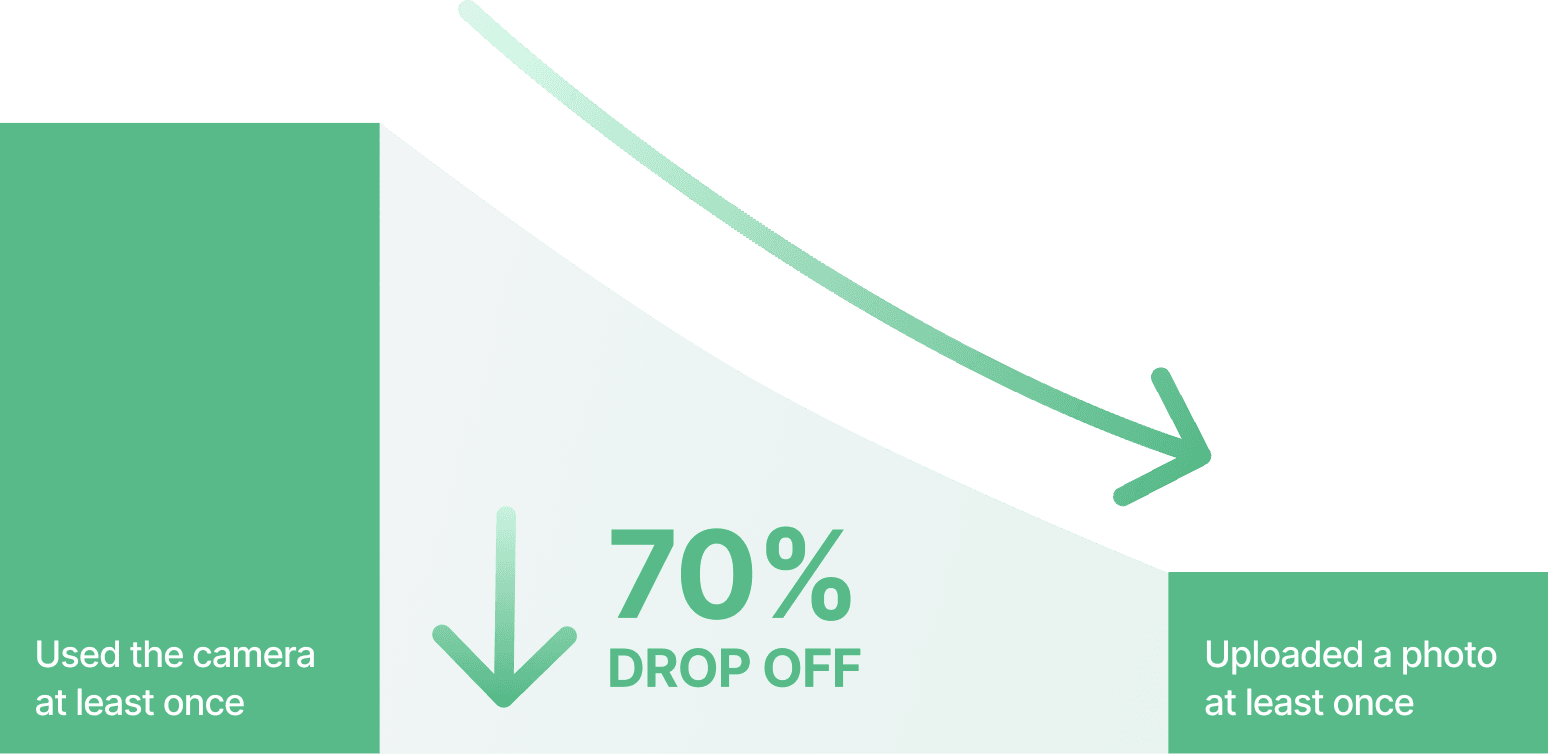
Publishing introduced hesitation and unnecessary backtracking.
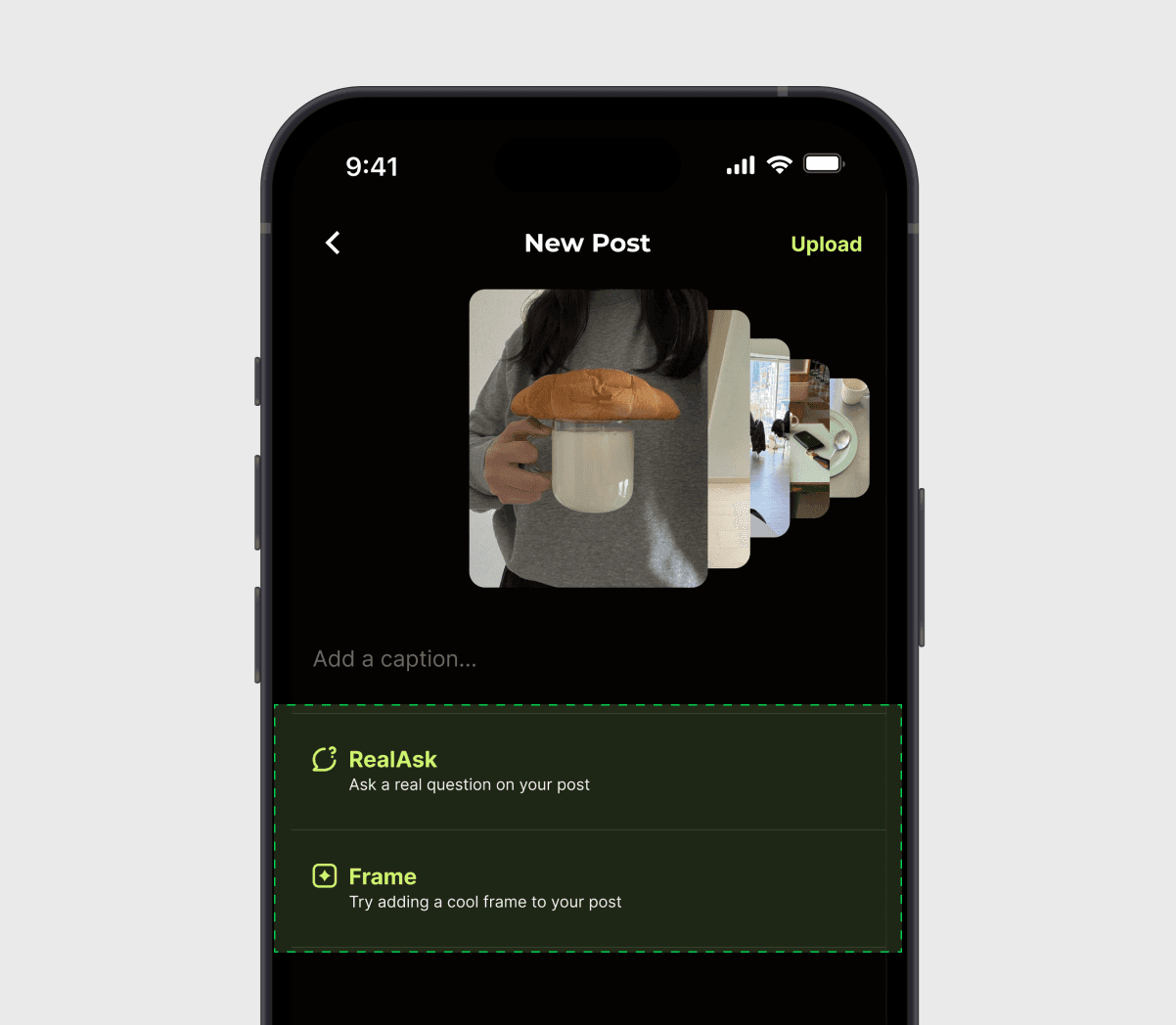
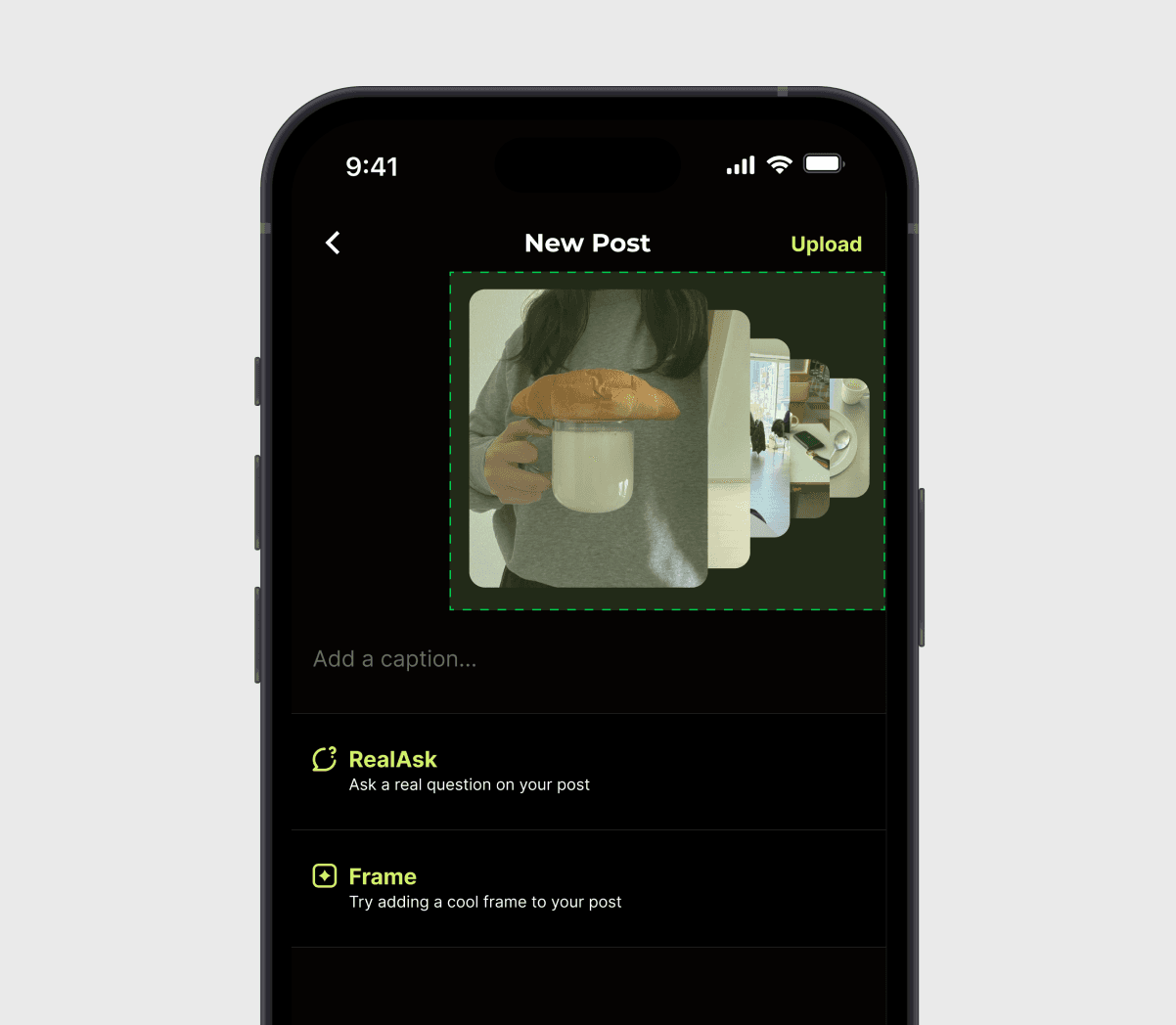
The flow combined editing, preview, and publishing without a clear moment to review a post. Small previews and ambiguous actions made it harder to feel ready to publish.
VISUAL
Image upload drop-off rate
Approach · Heuristic Audit
Where did the flow create hesitation?

Key Decisions
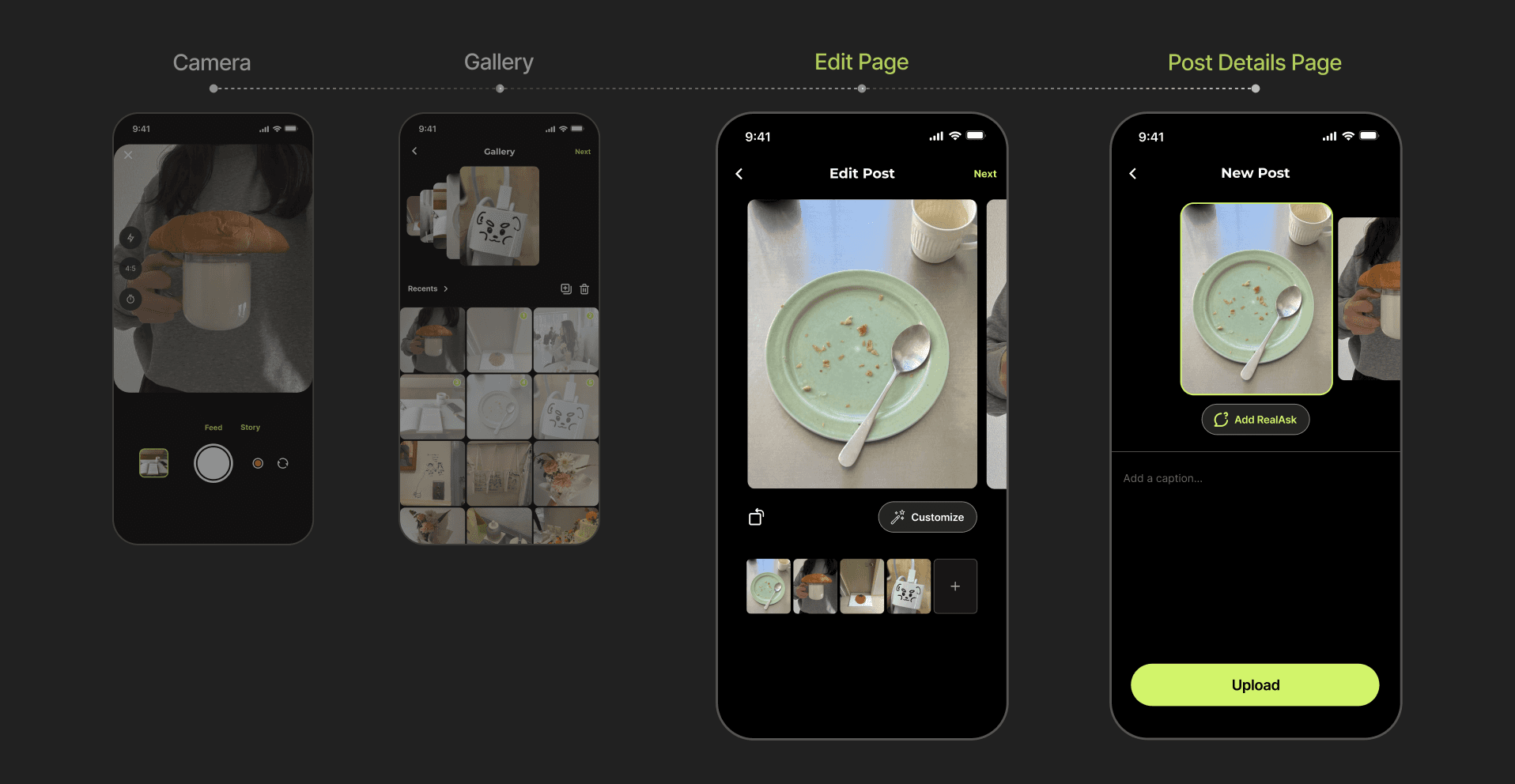
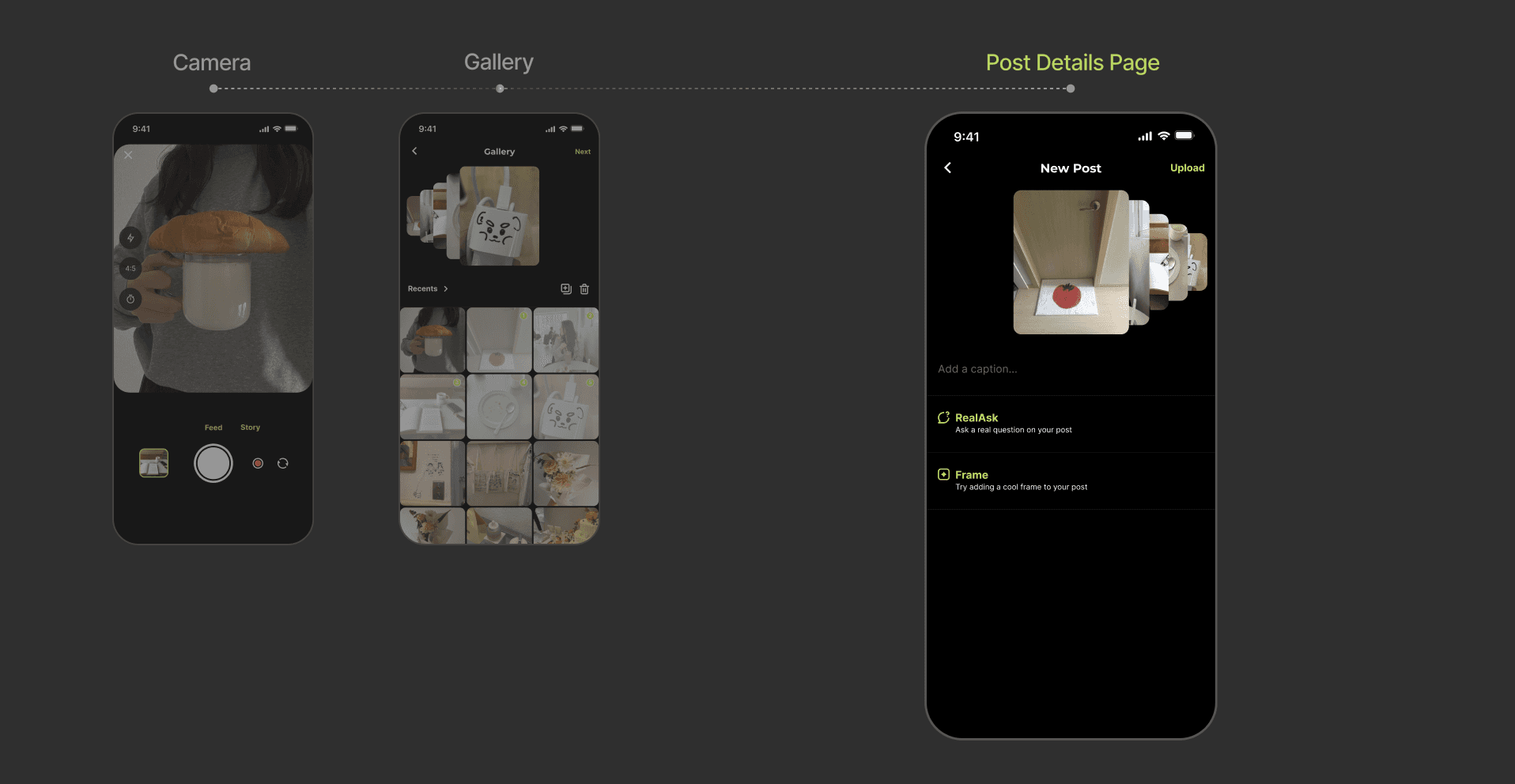
A redesigned upload flow
for clarity and speed.
INTERACTIVE
Upload flow before & after
Edit Page
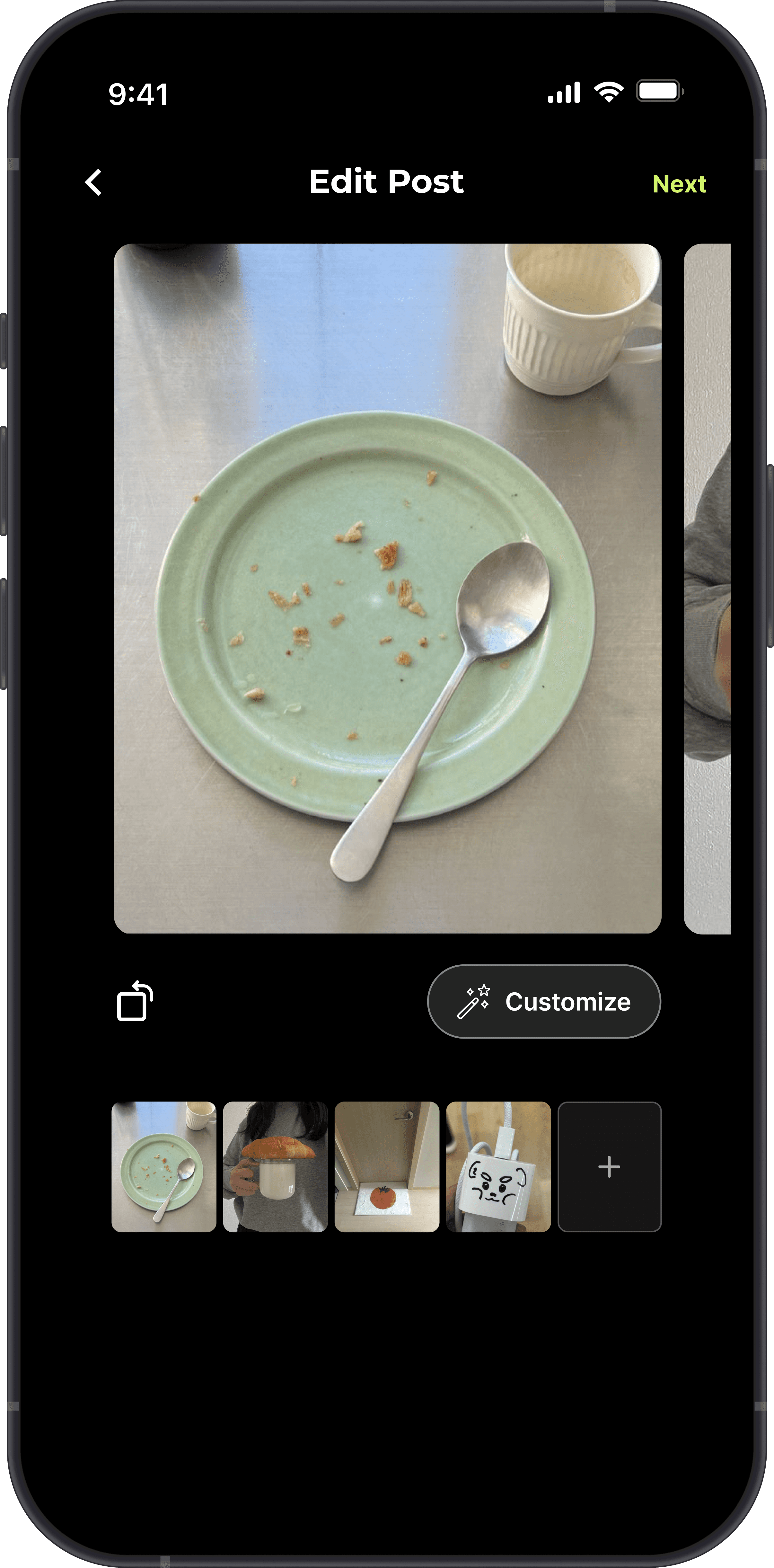
A green room before you go live
I introduced a dedicated Edit Page so people could review photos at full size and make changes before moving to Post Details, rather than backtracking.
IMAGE
New Edit Page

VIDEO LOOP
Modify multi-photo posts
Customization
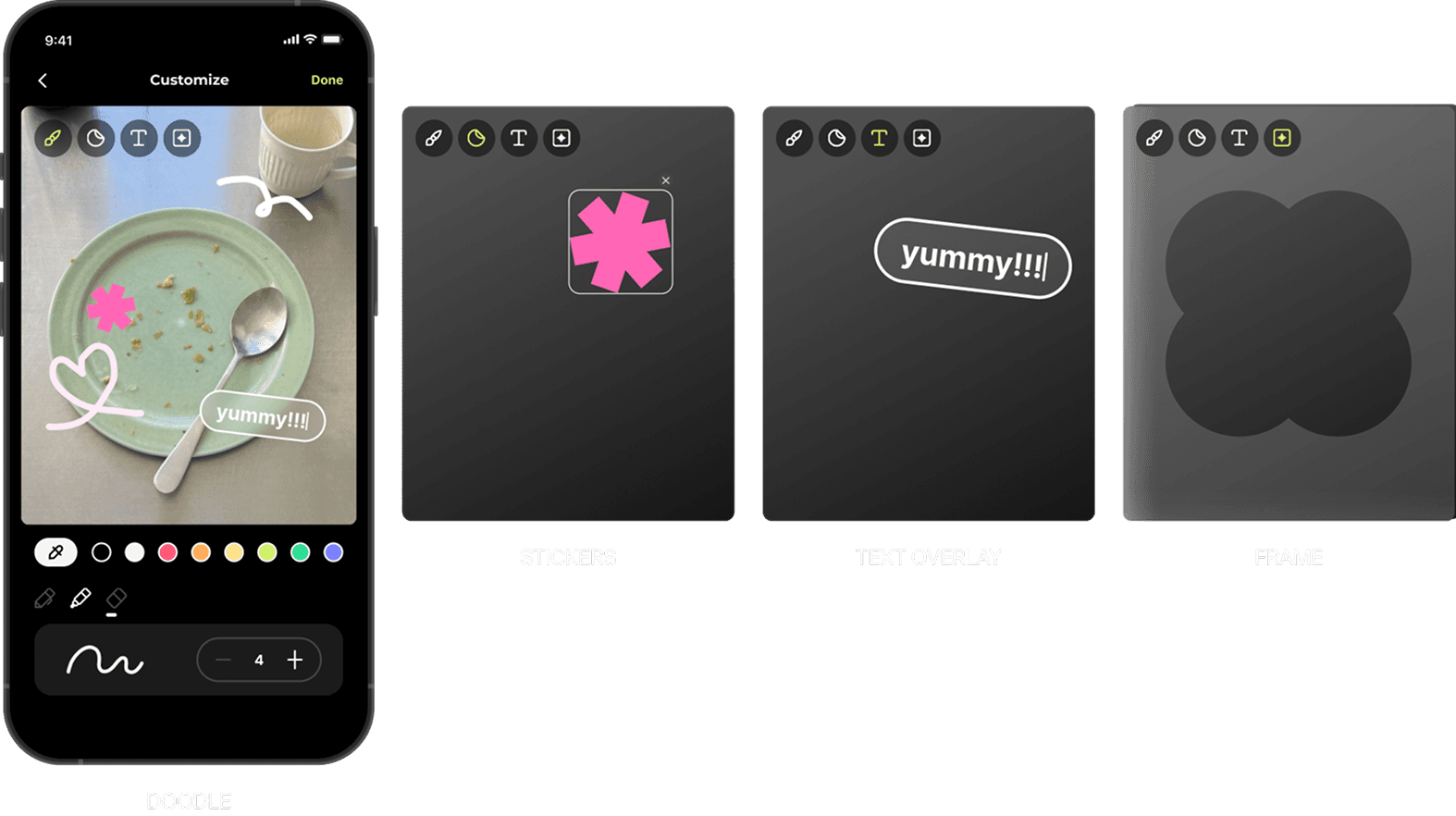
Personalize your images
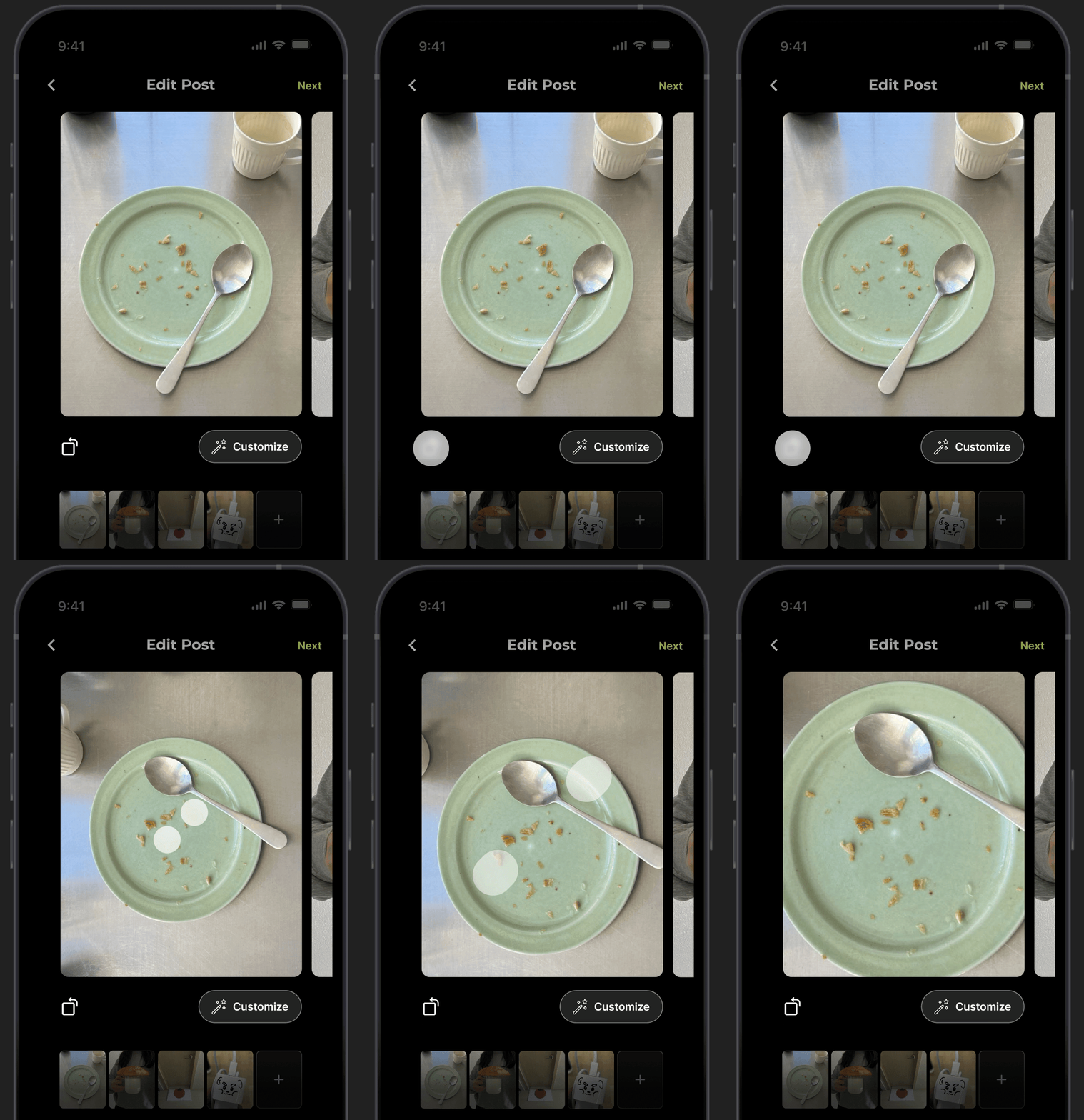
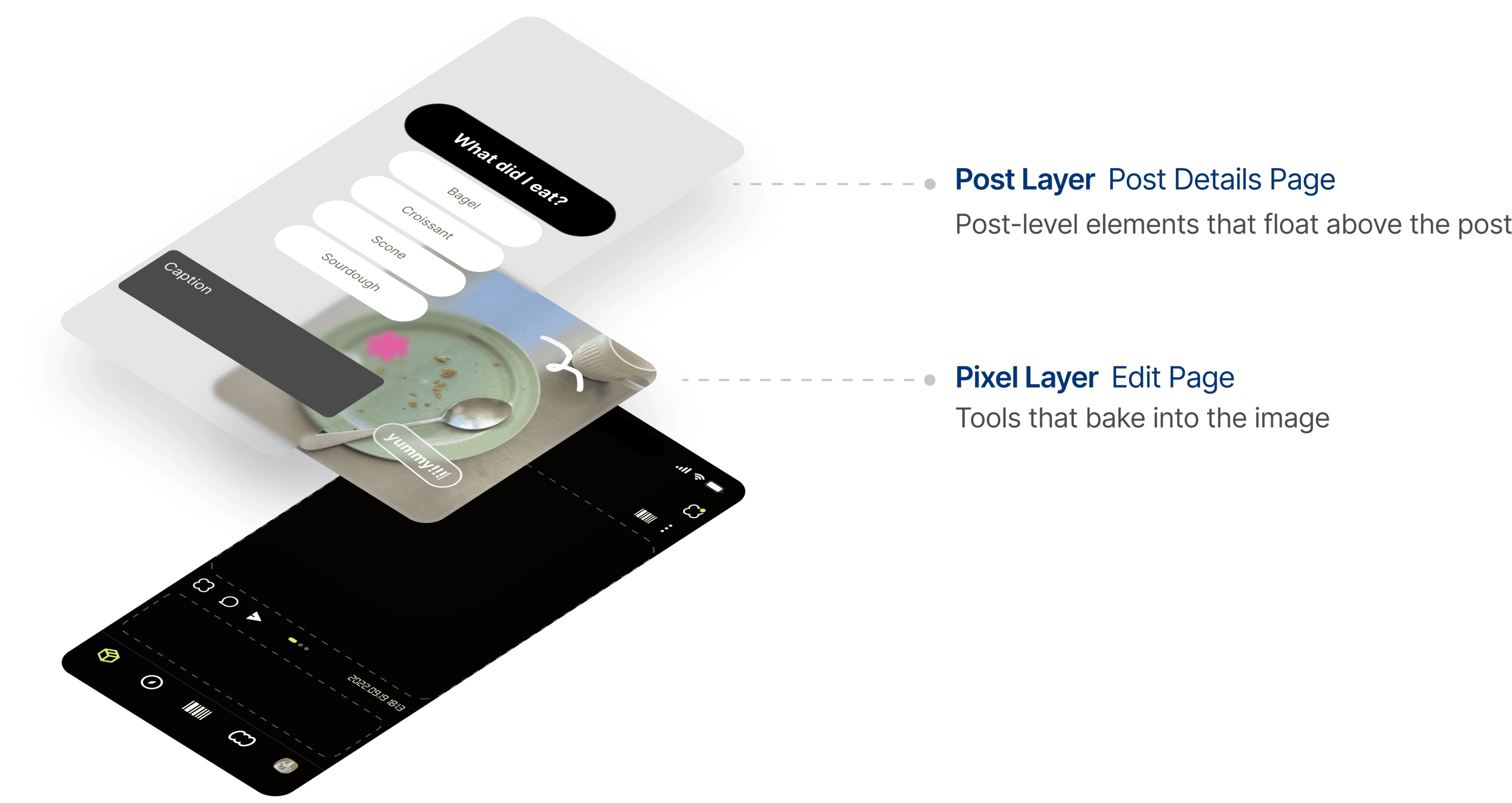
Customization offered a way to personalize in-app photos while preserving the product’s authenticity constraint. Image edits stayed separate from post-level additions.
VIDEO LOOP
Rotate & zoom images
IMAGE
Image customization features
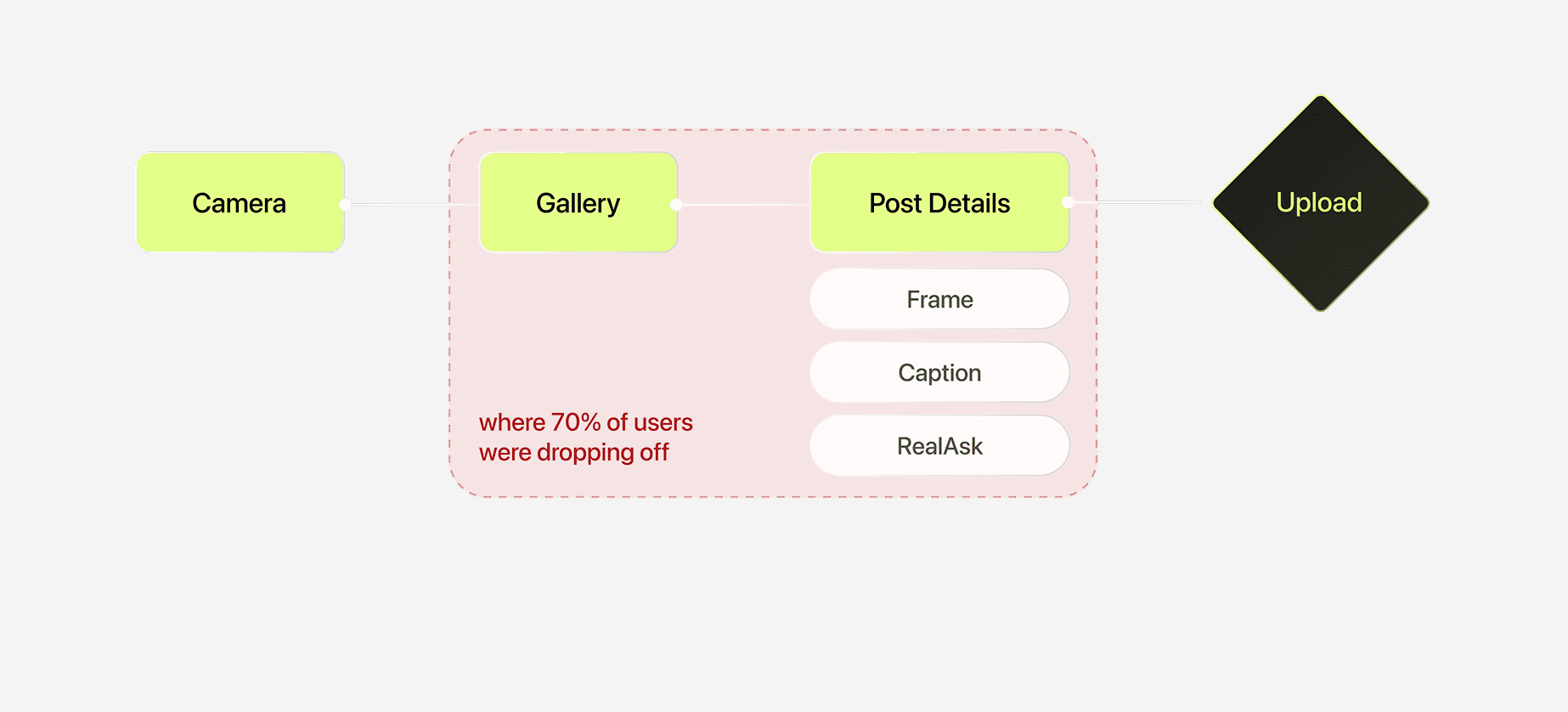
Restructuring the Flow
Adding a step to remove friction.
Before: Camera, Gallery, Post Details, Publish. The proposed flow adds an Edit Page between Gallery and Post Details, separating photo review from the final publishing action.

INTERACTIVE
User flow before & after
Architecture Decision
Separating features for clarity and scalability.
VIDEO LOOP
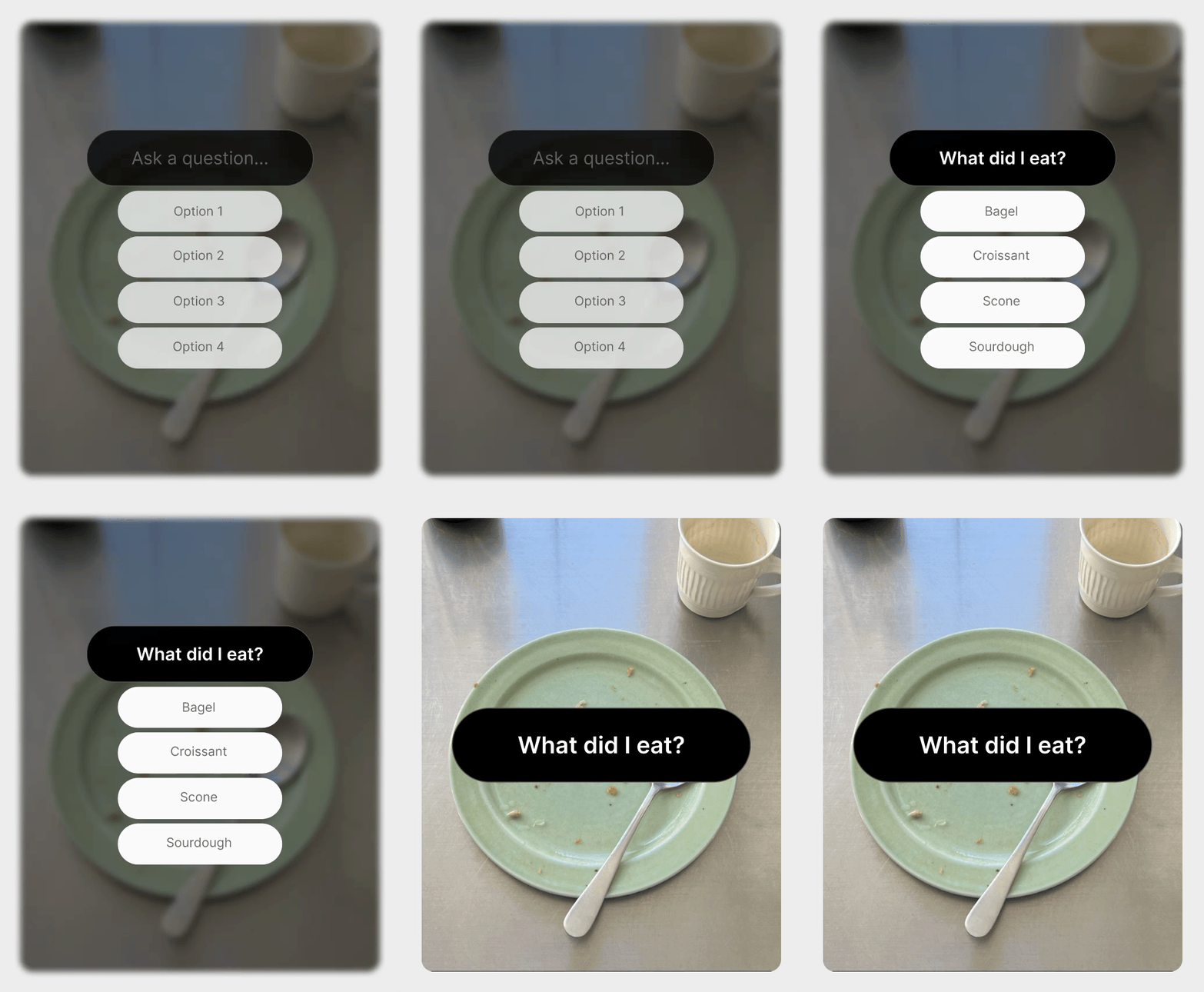
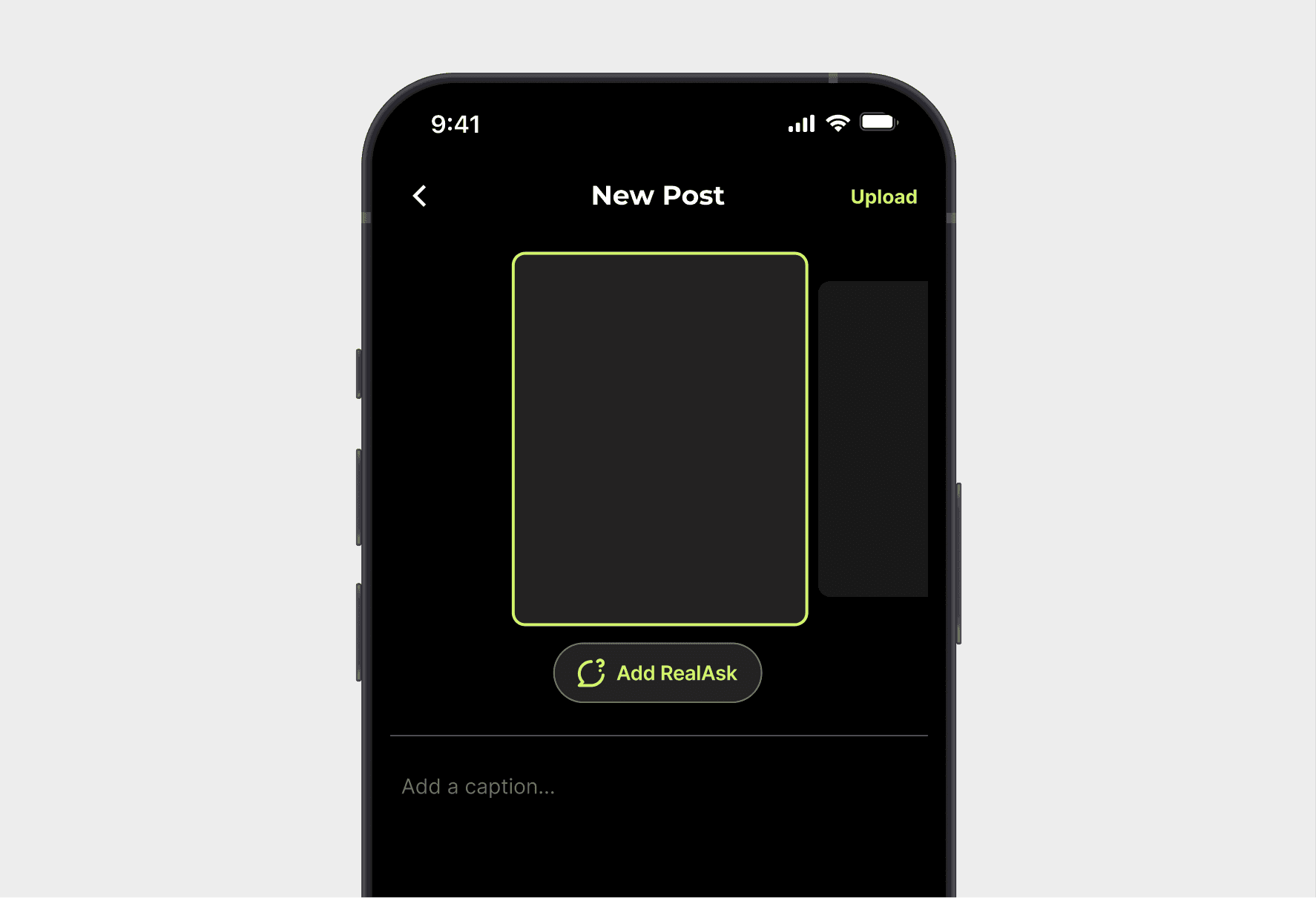
RealAsk
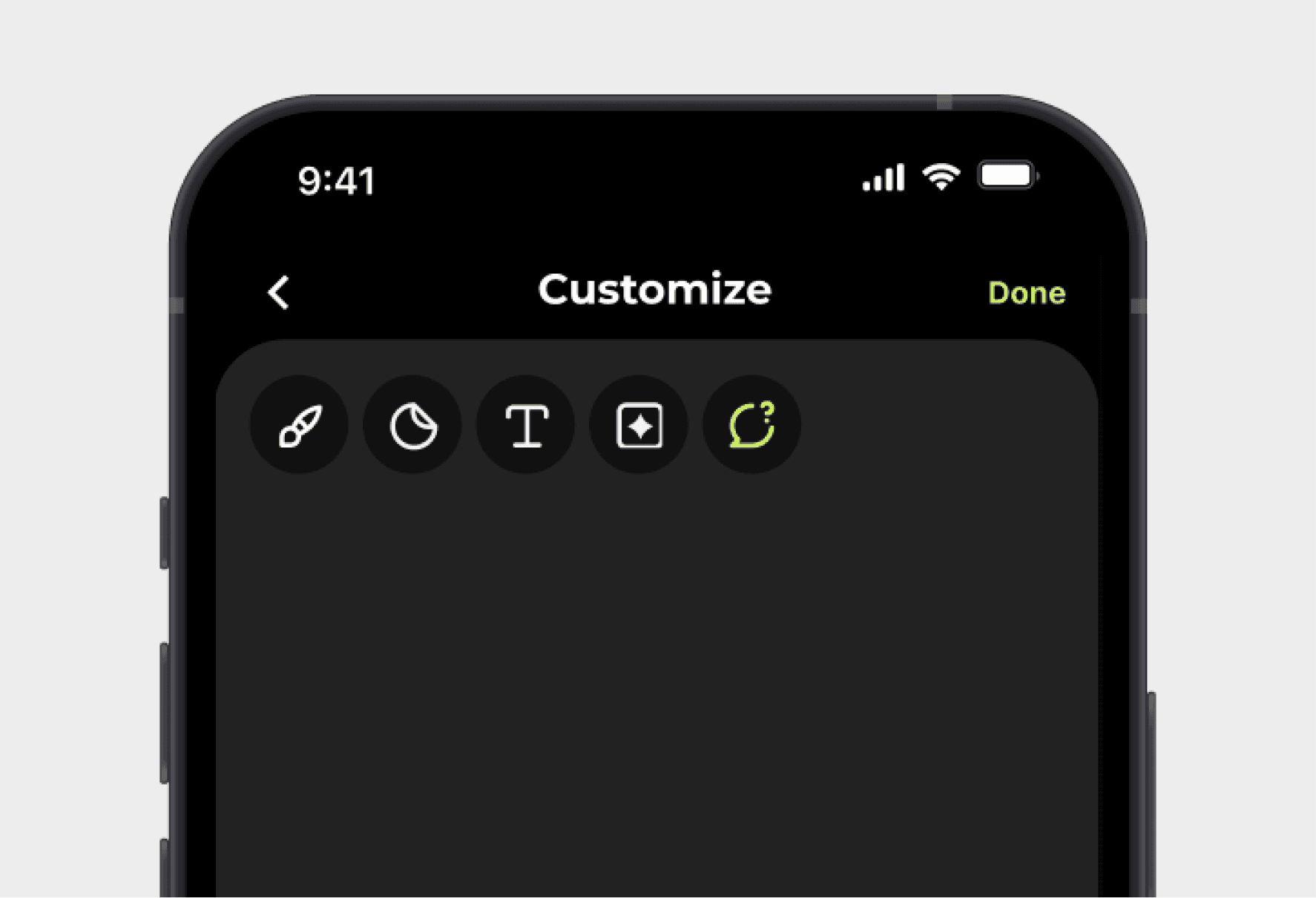
Adding the Edit Page created a structural question:
where does RealAsk belong?
IMAGE
RealAsk on Customize Page
IMAGE
RealAsk on Post Details Page
Elevations of Customization
Keeping RealAsk on Post Details separated post-level overlays from image edits. This made the two-layer content model explicit and left room for future features.
IMAGE
Content elevation model
Trade-off: Engineering Constraint
Not every good decision is the most delightful one.
For multi-photo reordering, I explored two approaches:
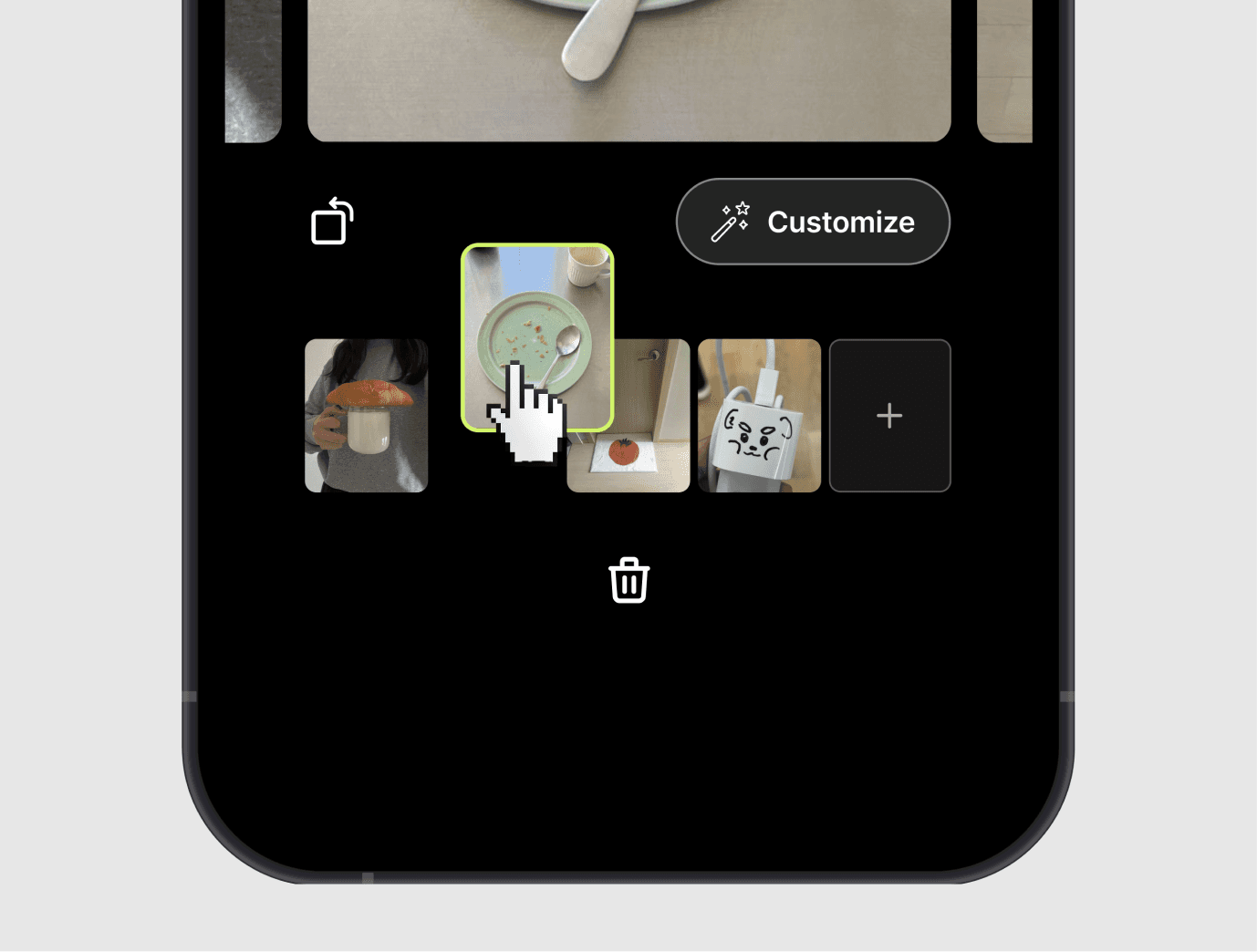
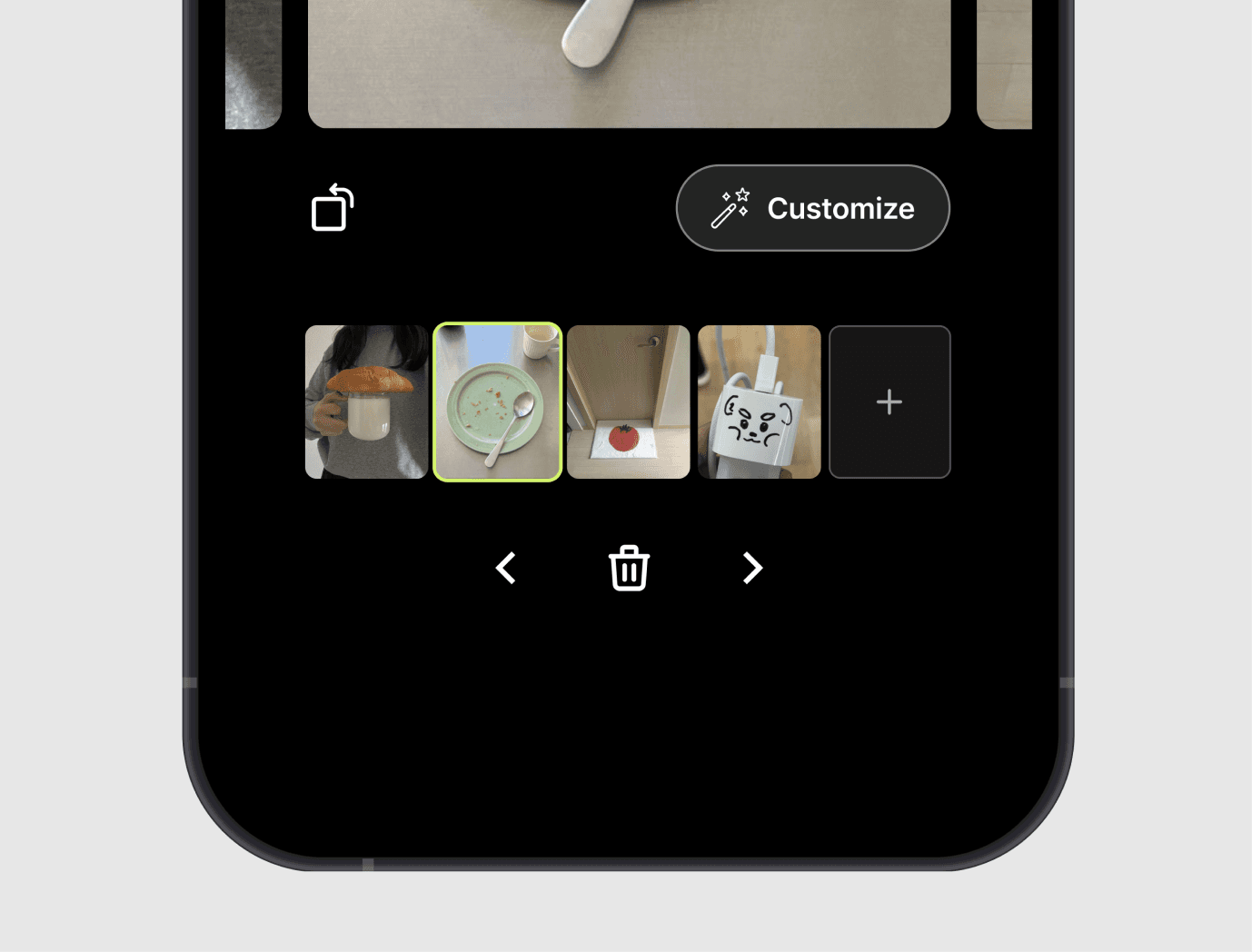
I chose tap-based controls for the initial design: they supported photo management with less engineering effort. Drag-and-drop remained a possible future enhancement.
Outcome
The proposed flow separates photo review, image editing, and post-level details. Full-size previews and tap-based photo controls address the hesitation and backtracking identified in the audit. Launch status and measured impact are not established in this case study.
Reflection
Adding a step can simplify a task when each step has a clear purpose. Next, I would validate the review-to-publish sequence with usability testing and define event tracking before making any claims about completion.
Next Project
